
Physical → connected → visible → actionable.
Four moves take an asset from something you have to go and look for, to something you can see, search and set rules around.
What happens at each stage
Connect
Fix the tag to the asset and register it.
No SIM card and no data plan on the tag. Scan the code, name the asset, and it starts reporting.
Track
The tag broadcasts. Finder devices pass an encrypted position on.
Bluetooth to nearby finder devices, encrypted location to the cloud. Crowdsourced coverage instead of a network you have to build.
Understand
Position becomes history, dwell, routes and boundaries.
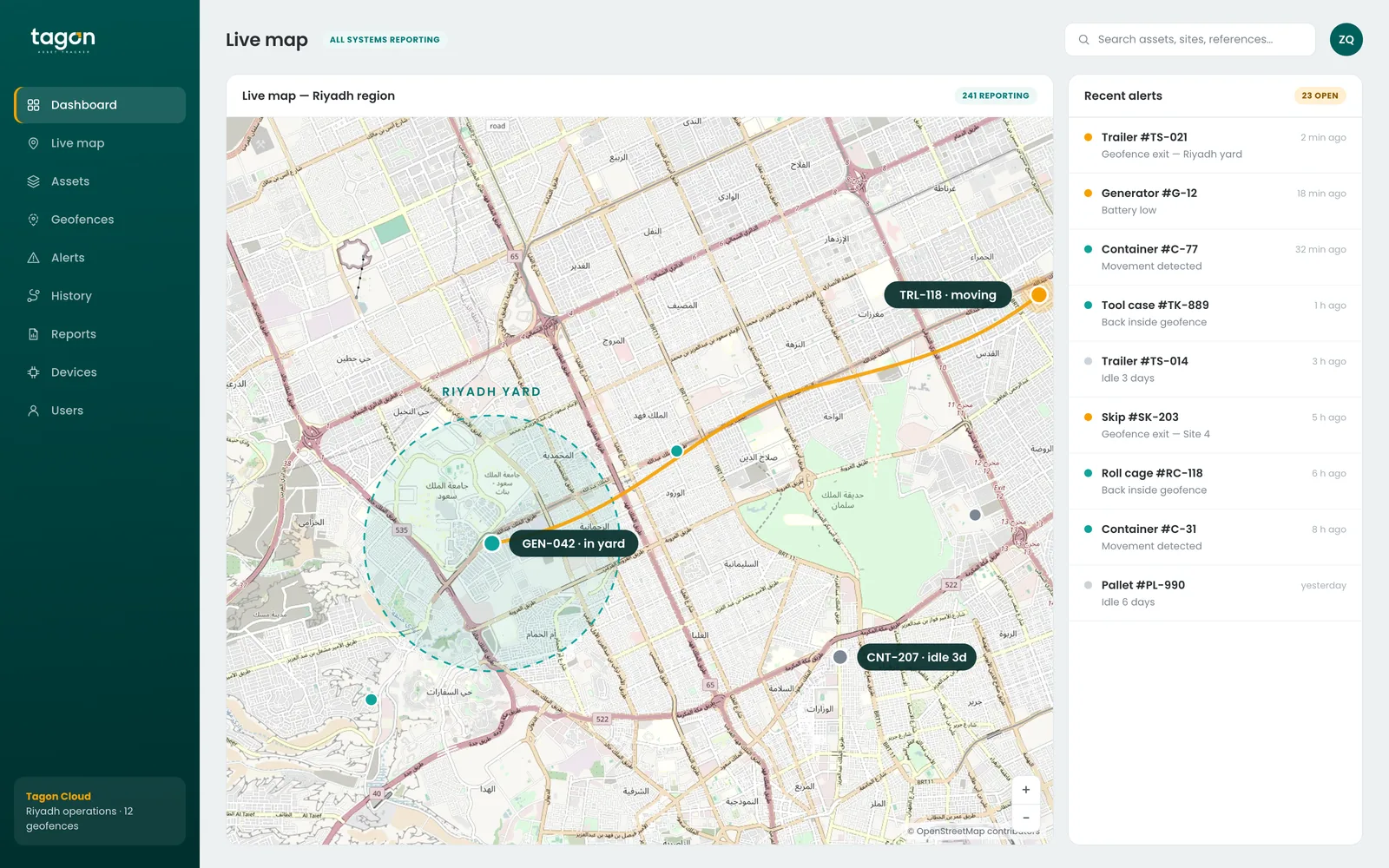
One asset is a dot. A fleet of tagged assets is a picture of how your operation actually runs.
Act
Alerts, reports and an API into the systems you already use.
Geo-fence alerts, disconnection alerts, scheduled reports, and third-party integration.
There is no SIM card in the tag.
A Tagon tag does not carry a cellular connection. It broadcasts over Bluetooth. Nearby finder devices pick that broadcast up and pass an encrypted location on to the cloud.
That is what makes the economics work at scale: no data plan per tag, no SIM estate to manage, and a battery measured in years rather than weeks. On the Slim, the Disc and the accessory range, the finder network is Apple Find My and Android Find Hub — every nearby phone.
1 · Tag broadcasts
A low-power Bluetooth advertisement, at an interval set for battery life.
2 · Finder device hears it
A phone, a gateway or a Wi-Fi connected device in range.
3 · Encrypted position uploaded
The finder passes the location on. It cannot read what it is carrying.
4 · You see the asset
Position on the map, added to the asset's history.
From nothing to first alert.
Seven steps. Most customers are watching their first assets on the map the same day the tags arrive.
Choose your asset
Start with what you need to see: vehicles, containers, tools, cargo or people.
Choose your Tagon device
Match the format and the battery life to the asset and its environment.
Install
Adhesive, fixed, concealed or worn. Most installs take a minute.
Connect
Scan and register. No SIM, no data plan on the tag.
Monitor
Live location, history, geo-fences and alerts in one place.
Respond
Act on the alert while it still matters.
Improve
Use movement history to change how the operation runs.
The first month usually changes the question.
Most operations start with “where is it”. After a few weeks of movement history the question tends to become “why does it keep going there”, or “why has that one not moved since March”. That is the point where tracking starts paying for itself.
Tell us what you need to track.
Tell us about your assets, your operation and what you need visibility on. We will tell you which Tagon device fits and what a deployment looks like.
What to have ready
- What you need to track, and roughly how many
- Where those assets operate
- Indoors, outdoors, or both
- Any system the data needs to reach
That is usually enough for us to recommend a device and a deployment shape.