
Installation guides
How to fit each Tagon format so it stays on and keeps reporting.
Sealed and rugged tags
Fixed formats that go on once and stay on. Surface preparation and orientation matter more than anything else.
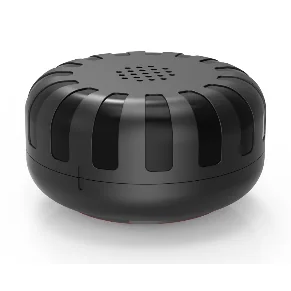
Tagon Puck
PB705- Choose the face. Pick a flat, external surface with a clear view of the sky and away from large metal overhangs where possible.
- Clean and dry. Wipe the surface down. Adhesive and magnets both hold better on clean metal.
- Fix the tag. Mount with the supplied fixing. Keep the ribbed face outward.
- Activate. Add the tag to your Tagon account by scanning its code, then name the asset it belongs to.
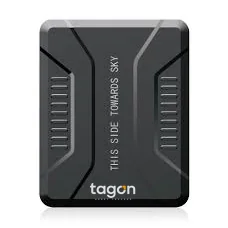
Tagon Rugged
PB703- Pick a concealed spot. Choose a dry, enclosed position on the vehicle where the tag will not be seen or knocked.
- Orient to the sky. Fit with the marked face upward. It is printed on the case.
- Secure it. Mount so the tag cannot move or rattle loose in service.
- Activate and name. Register the tag against the vehicle or agreement reference in Tagon Cloud.
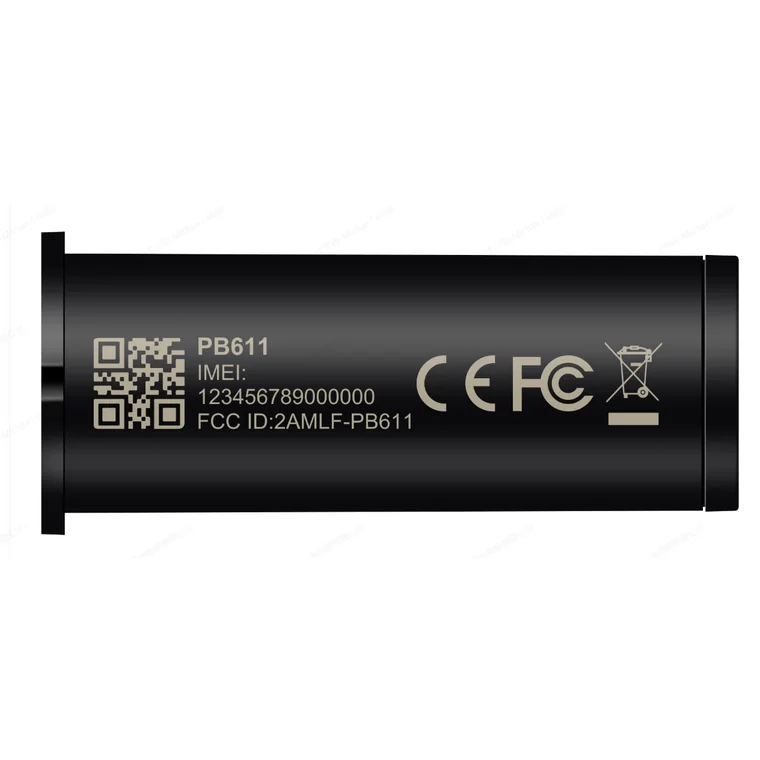
Tagon Tube
PB611- Find the cavity. Frame tube, seat post, handlebar or an enclosed void in the asset.
- Check the fit. 17 mm diameter, 46 mm long. Confirm clearance before fitting.
- Insert and secure. Pack it so it cannot rattle or migrate.
- Register. Assign the tag to the asset before it is sealed in.
Adhesive labels and stickers
Adhesion is what holds these on. A clean, dry, flat surface is the whole job.
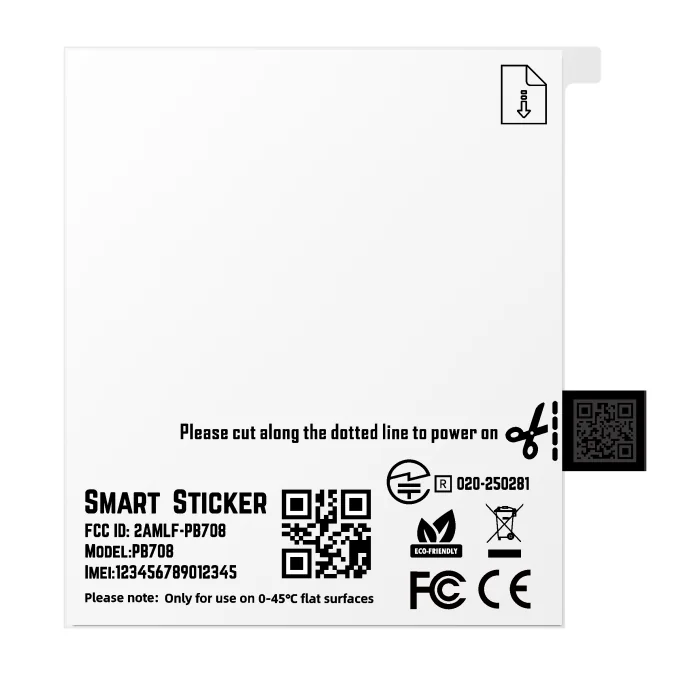
Tagon Label
PB708- Tear to open. Open the label to activate it. It is marked on the front.
- Clean the surface. The carton face needs to be dry and free of dust.
- Apply. Press the label flat onto the carton. Keep it away from folds and edges.
- Scan to register. Scan the label code to tie it to the consignment reference.
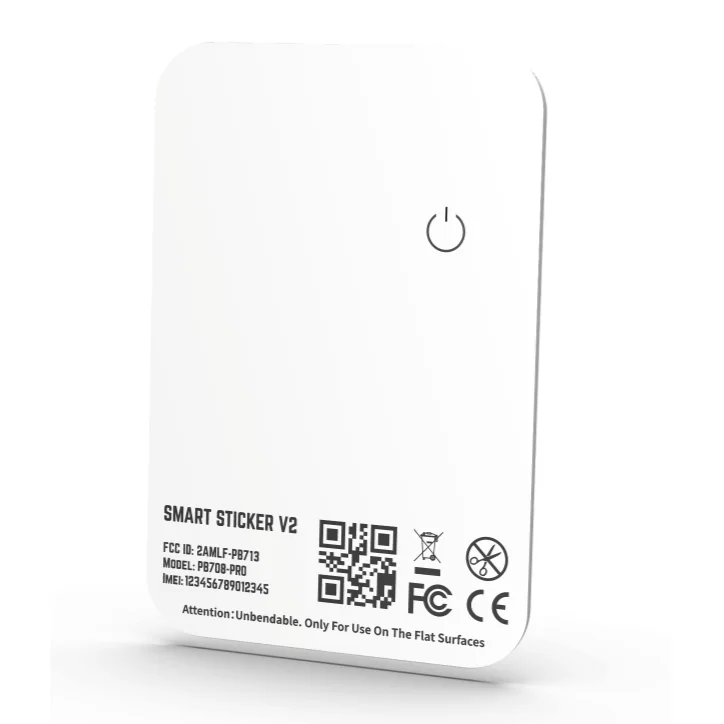
Tagon Sticker Pro
PB708-PRO- Find a flat face. The device is rigid. It needs a flat panel, not a curve.
- Clean and dry. Wipe the surface. Adhesion is what holds this tag on.
- Press firmly. Apply even pressure across the whole face for 30 seconds.
- Register. Scan and assign the tag to the container or case.
Cards and wearables
Slot in, clip on or hang from a lanyard. The install is seconds; naming the asset properly is the part that matters.
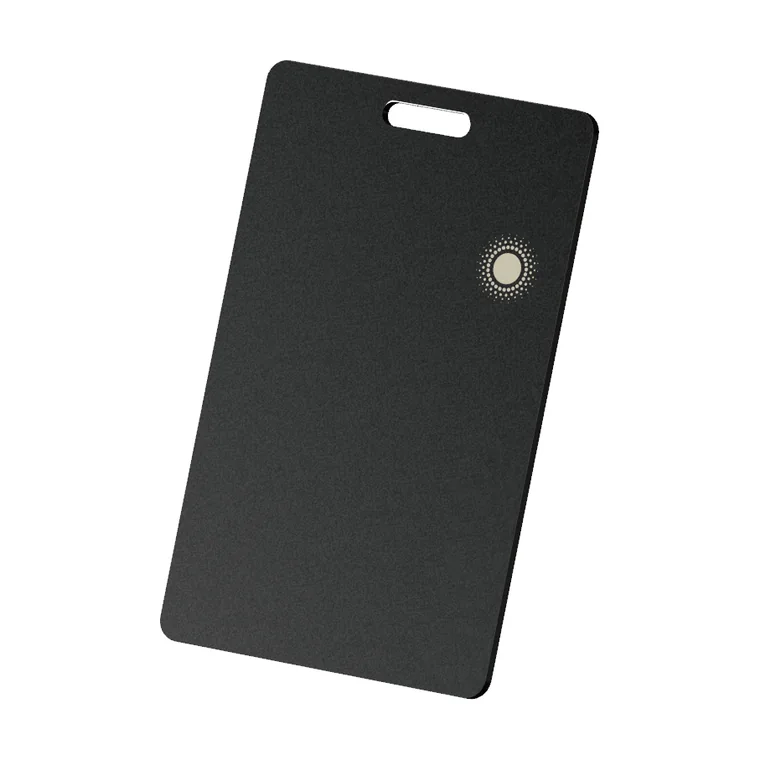
Tagon Card
PB713- Choose a fixing. Use the lanyard slot, or fix flat into a case lid.
- Position. Keep it clear of large flat metal surfaces where you can.
- Secure. Make sure it cannot be lifted off the asset by hand.
- Register. Assign the card to the asset record in Tagon Cloud.
Tagon Slim
PB706- Slide it in. Place the card in the wallet pocket, sleeve or case lid.
- Pair. Add it to the Tagon app, or to Find My / Find Hub.
- Name it. Label it for the thing it protects, not the tag.
- Test. Trigger the sound once to confirm it is paired.
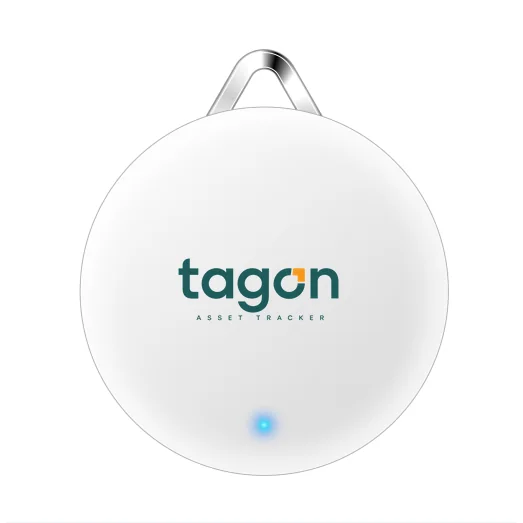
Tagon Pendant
PB704- Attach. Clip the pendant to the collar, lanyard or bag using the loop.
- Pair. Add it in the Tagon app and give it a name.
- Set a safe area. Draw the geo-fence you want to be alerted about.
- Test it. Walk out of range once to confirm the alert reaches you.
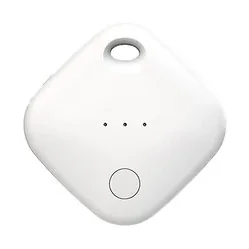
Tagon Disc
PB710- Attach. Clip to a keyring or drop it into the bag or case.
- Pair with Find My. Add the device in Apple's Find My app.
- Name it. Label it for the item it protects.
- Test. Play the sound once to confirm.
Four rules that decide whether a deployment works
Name the asset, not the tag
A tag called PB705-014 helps nobody. Call it what the yard calls it.
Match the rating to the place
An unrated tag outdoors will fail. Check the IP rating against where the asset actually lives.
Mind large metal surfaces
Radio does not love being sandwiched in steel. Where you have a choice, mount clear of it.
Test before you scale
Fit a handful, watch them for a week, then roll out. It costs a week and saves a redeployment.
Tell us what you need to track.
Tell us about your assets, your operation and what you need visibility on. We will tell you which Tagon device fits and what a deployment looks like.
What to have ready
- What you need to track, and roughly how many
- Where those assets operate
- Indoors, outdoors, or both
- Any system the data needs to reach
That is usually enough for us to recommend a device and a deployment shape.